


Videos
Highlights
Processor Model
The CPU, or central processing unit, is essentially the brain of your computer. The faster your CPU, the faster your computer will run.
Budget
- Great portability
- Budget friendly
- Basic internet tasks
Low
- Entry-level processor
- Good for everyday tasks
- Basic music and videos
Medium
- Mid-grade processor
- Great for most tasks
- Multitasks well
High
- Designed for power users
- Excels at multitasking
- Multimedia creation
Graphics
The GPU (graphics processing unit), or “graphics card,” is what displays images, animations and graphics on the computer’s screen. A more powerful GPU makes games run faster and look better.
Entry-Level
- Budget friendly
- Basic gaming
- Ideal for casual gamers
Mid-Range
- Most common GPU
- Fast display
- High performance gaming
High-End
- Offers gameplay at max settings
- Powerful and efficient
- Ideal for gaming enthusiasts
System Memory (RAM)
Random-access memory (RAM) or simply “memory,” is what allows your laptop to multitask. More RAM means more applications can be running simultaneously without slowdowns.
Low
- Minimum for basic tasks
- Web browsing
- Basic streaming
Medium
- Excellent multitasking
- Advanced photo/video editing
- Mid-range gaming
High
- Advanced gaming
- Professional level performance
- Handles demanding applications
Very High
- Choice of serious gamers
- Handles multiple heavy apps simultaneously
- Built for engineers, pro A/V editors
Screen Size
Screen size is measured diagonally from corner to corner.
Small
- Light and portable
- Budget friendly
- Easily fits in travel bags
Medium
- Most popular size range
- Fits in most backpacks and bags
Large
- Ideal for gaming
- Great for photo and video editing
- Not as portable
Total Storage Capacity
Storage capacity determines how much data you can store on your laptop. If you typically store small files (word documents and spreadsheets) and run basic programs, you can get by with a lower storage capacity. You’ll want to consider higher storage capacity if you do a lot of photo or video editing, or if you use your laptop for large gaming installs.
Small
- Great for working with small files
- Runs basic programs
- Add cloud storage for extra space
Medium
- Great for most uses
- Not ideal for gaming or high-res video
- Some photo/video editing
Large
- High resolution video
- Higher cost gives more storage
- Great for large game installs
Extra Large
- Highest storage volume
- Ideal for heavy gaming use
Screen Resolution
Screens come in a range of resolutions, measured in pixels (horizontal by vertical). The higher the resolution, the better the picture quality.
HD
- Entry-level picture quality
- Good for basic computing tasks
2k
- Clearer and sharper picture than HD
- Good for videos and gaming
- Good for multitasking
3k
- Up to 2x the pixels of 2K
- Great for sharp images and videos
- Great for gaming at max settings
- Great for photo/video editing
4K
- Up to 4X the pixels of 2K
- Most lifelike images and videos.
- Best for gaming at max settings
- Best for advanced photo/video editing
Specifications
Key Specs
- Screen Size: 14 inches
- Screen Resolution: 1366 x 768 (HD)
- Touch Screen: No
- Processor Model: Intel Celeron
- CPU Base Clock Frequency: 1.1 gigahertz
- Storage Type: eMMC
- Total Storage Capacity: 64 gigabytes
- System Memory (RAM): 4 gigabytes
- Graphics: Intel UHD Graphics 600
- Display Connector(s): 1 x HDMI
- Battery Life (up to): 11.5 hours
- Battery Chemistry: Lithium-ion
- 2-in-1 Design: No
- Backlit Keyboard: No
General
- Brand: HP
- Model Number: 685K4UA#ABA
- Product Name: 14″ Laptop – Intel Celeron – 4GB Memory – 64GB eMMC
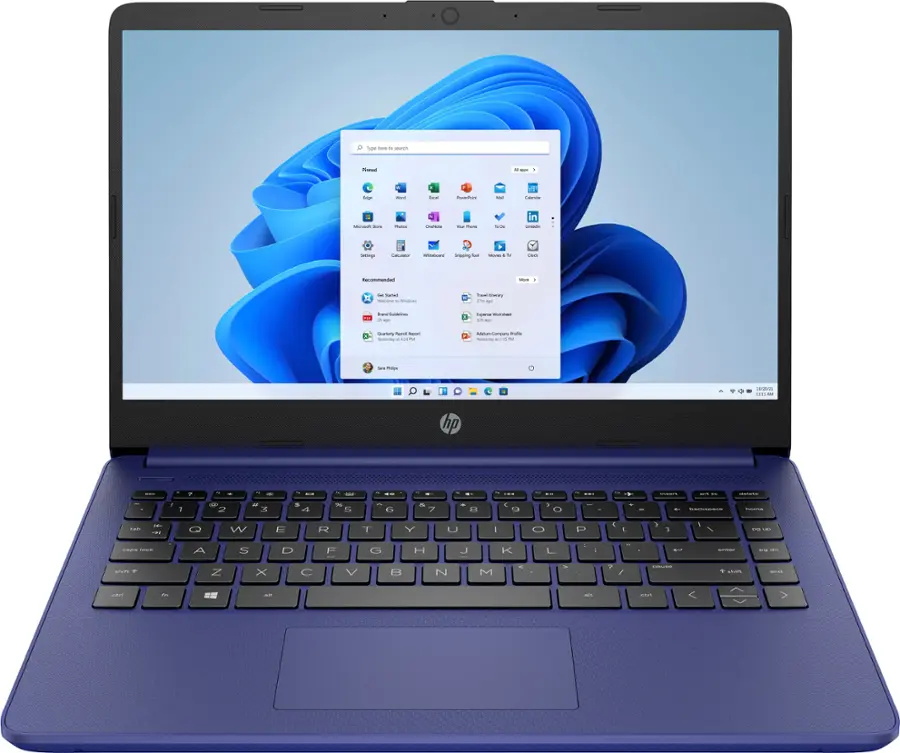
- Color: Indigo Blue
- Year of Release: 2022
Display
- Display Type: LCD
- Screen Size: 14 inches
- Screen Resolution: 1366 x 768 (HD)
- Touch Screen: No
Processor
- Processor Brand: Intel
- Processor Model: Intel Celeron
- Processor Model Number: N4120
- CPU Base Clock Frequency: 1.1 gigahertz
- CPU Boost Clock Frequency: 2.6 gigahertz
- Number of CPU Cores: 4-core (quad-core)
- CPU Cache Memory Level: L2
- L2 Cache: 4 megabytes
Storage
- Storage Type: eMMC
- Total Storage Capacity: 64 gigabytes
- eMMC Capacity: 64 gigabytes
Memory
- System Memory (RAM): 4 gigabytes
- Type of Memory (RAM): DDR4
- System Memory RAM Speed: 2400 megahertz
- Number of Memory Slots: 1
- Number of Memory Sticks Included: 1
Graphics
- Graphics Type: Integrated
- GPU Brand: Intel
- Graphics: Intel UHD Graphics 600
Compatibility
- Operating System: Windows 11 Home in S Mode
- Voice Assistant Built-in: No
Connectivity
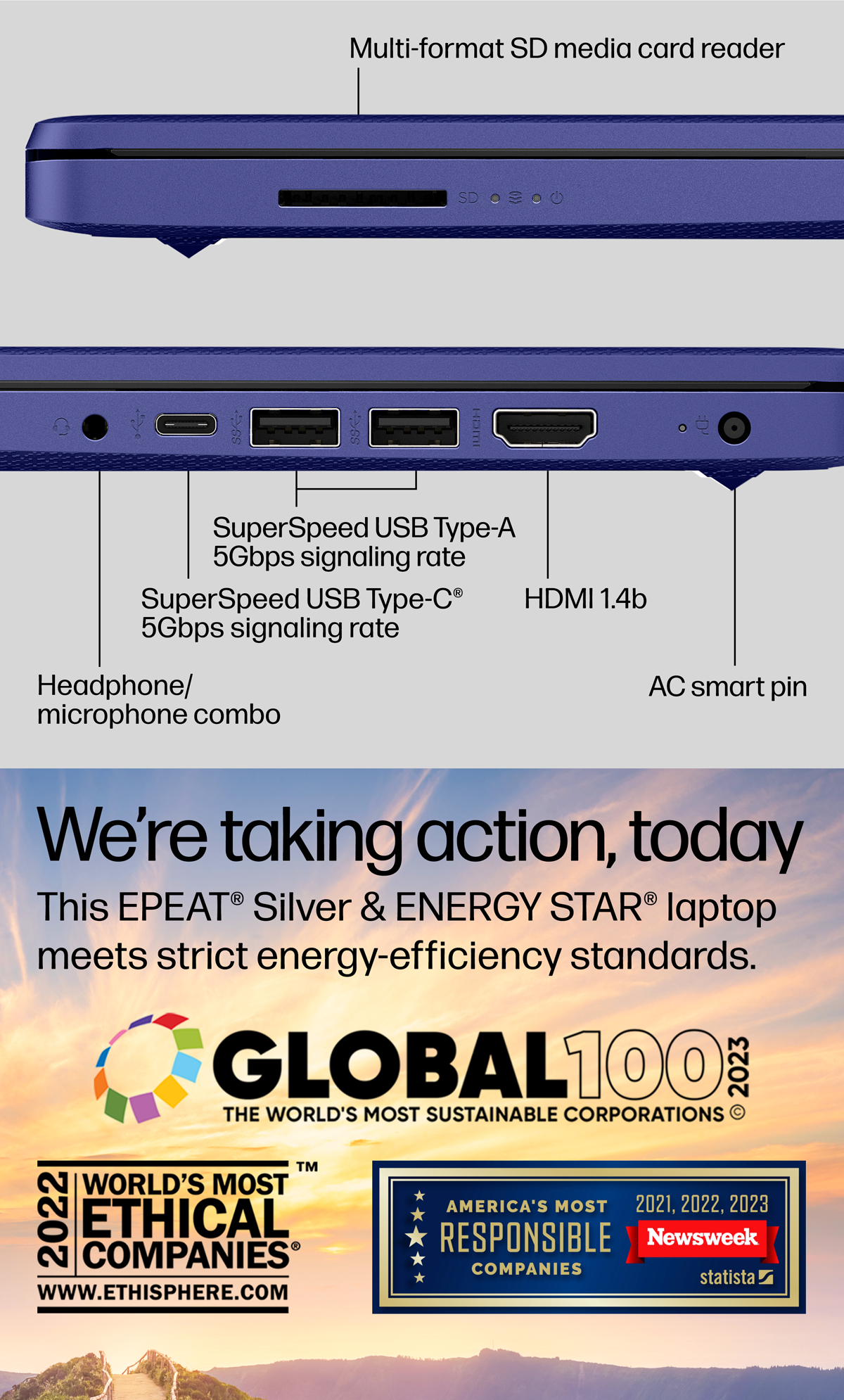
- Display Connector(s): 1 x HDMI
- Number of HDMI Outputs (Total): 1
- Number of DisplayPort Outputs (Total): 0
- Number of Thunderbolt Ports (Total): 0
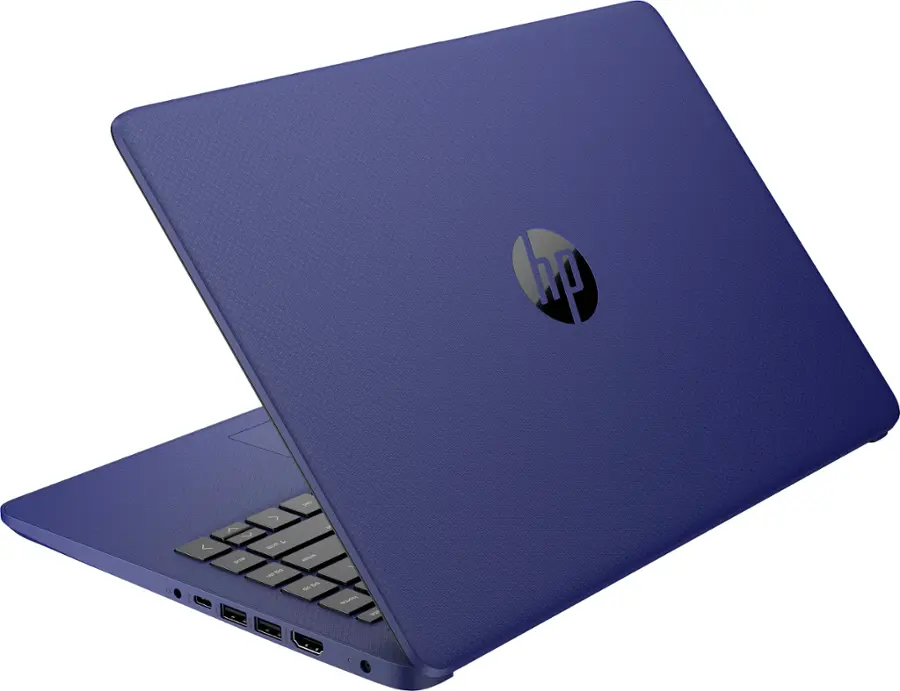
- USB Ports: 2 x USB-A 3.0, 1 x USB-C 3.0
- Number of USB Ports (Total): 3
- Headphone Jack: Yes
- Microphone Input: Yes
- Wireless Connectivity: Bluetooth, Wi-Fi
- Wireless Standard: AC
- Wireless Networking Standard: Wi-Fi 5
- Number of Ethernet Ports: 0
Cooling
- CPU Cooling System: Air
Power
- Battery Life (up to): 11.5 hours
- Battery Cells: 3-cell
- Battery Chemistry: Lithium-ion
Camera
- Front-Facing Camera: Yes
- Built-In Microphone: Yes
Features
- 2-in-1 Design: No
- Backlit Keyboard: No
- Customizable Keyboard Lighting: No
- GPS Enabled: No
- Touchpad Type: Multi-touch
- Media Card Reader: Yes
- Customizable Case Lighting: No
- Audio Technology: HD Audio with stereo speakers
- Speaker Type: HD Audio with stereo speakers
- Cable Lock Slot: None
- Casing Material: Plastic
Dimensions
- Product Height: 0.71 inches
- Product Width: 12.76 inches
- Product Depth: 8.86 inches
- Product Weight: 3.24 pounds
Certifications Listings & Approvals
- ENERGY STAR Certified: Yes
- EPEAT Qualified: Yes
- EPEAT Level: Silver
Included
- Included Software: Windows 11 Home in S Mode
- Optical Drive Type: None
- Numeric Keypad: Yes
- Stylus Included: No
Warranty
- Warranty – Parts: 1 year
- Warranty – Labor: 1 year
Other
- UPC: 196548430222
Features
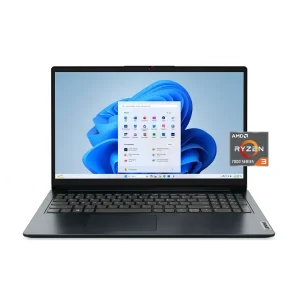
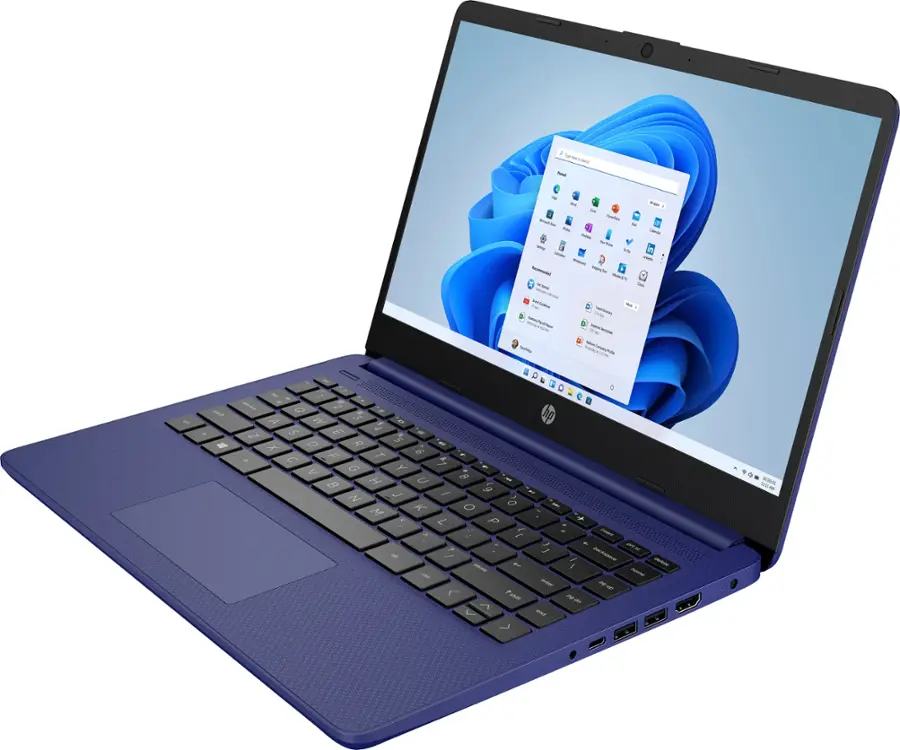
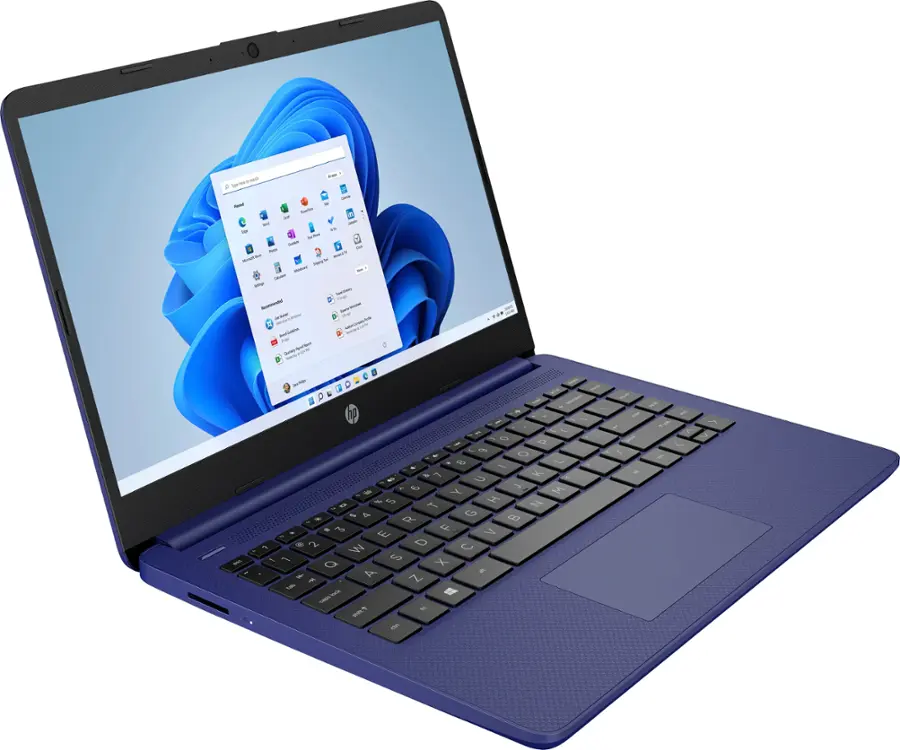
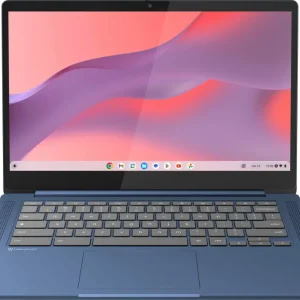
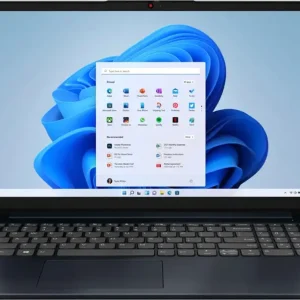
HP – 14″ Laptop – Intel Celeron – 4GB Memory – 64GB eMMC – Indigo Blue
Rating 4.1 out of 5 stars with 5507 reviews
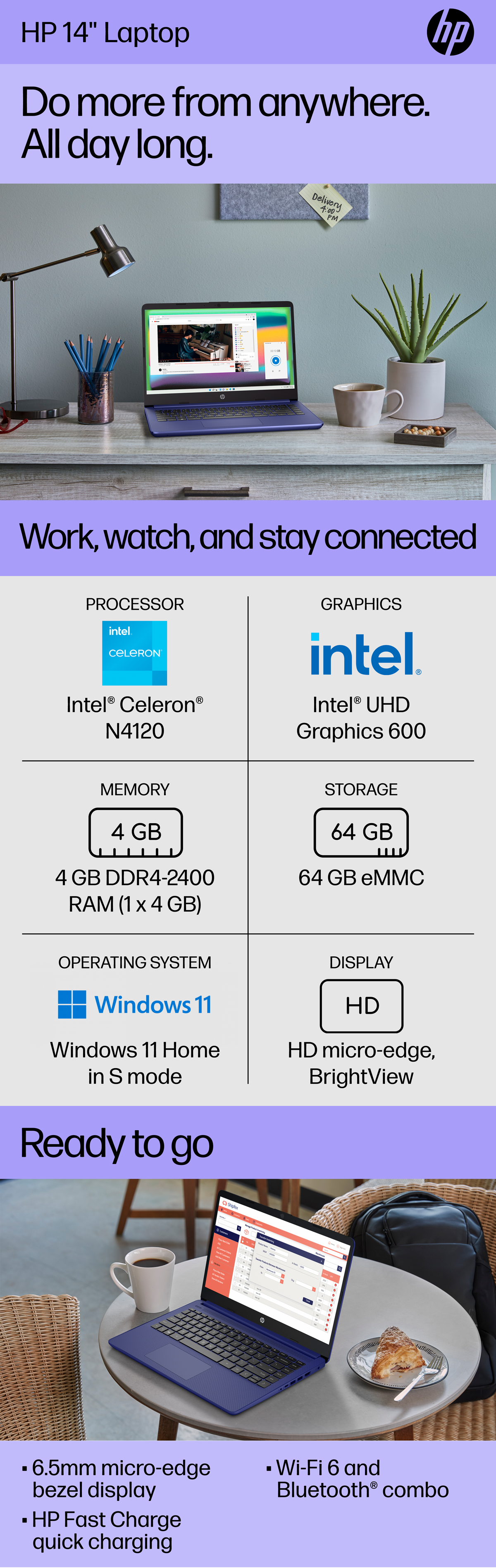
4.1(5,507 reviews)Take it anywhere. See more. With its thin and light design, 6.5 mm micro-edge bezel display, and 79% screen to body ratio – take this PC anywhere and see and do more. Reliable performance for every day: Powerful enough for your busiest days, this PC features an Intel processor and reliable flash-based storage at a great value. Powered up and productive. All day long. With a long battery life and fast-charge technology, this laptop lets you work, watch, and stay connected all day. Integrated precision touchpad with multi-touch support speeds up both navigation and productivity. Make the most out of your 365: Bring your ideas to life. Your creativity now gets a boost with Microsoft 365. Office – Word, Excel, and Power Point – now includes smart assistance features that help make your writing more readable, your data clearer and your presentations more visually powerful. One year subscription included.
Microsoft 365 Overview [0:30]
Operating system: Windows 11 Home in S mode
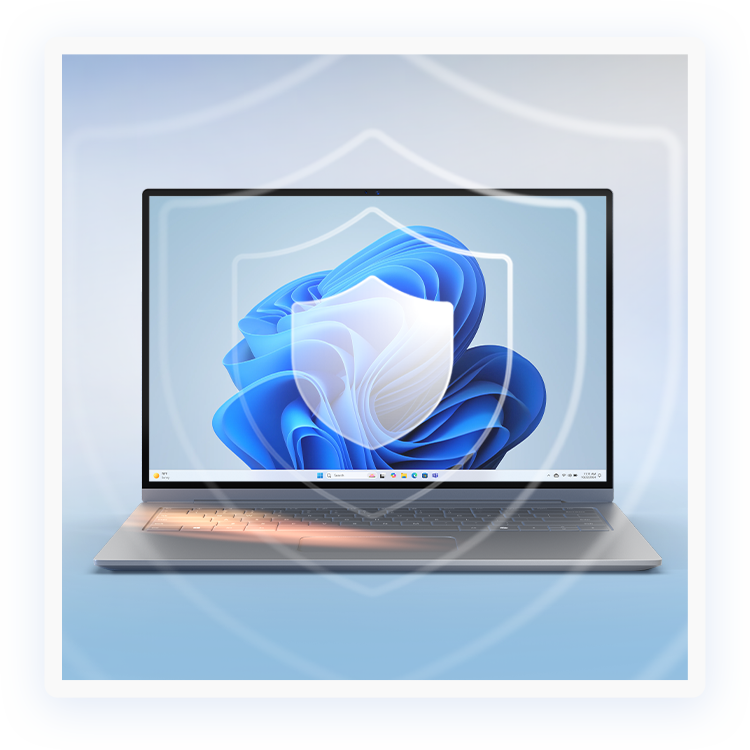
Experience the most secure Windows ever built with fast boot times, increased responsiveness, and added protection against phishing and malware.
Display: 14.0-inch diagonal, HD (1366 x 768), micro-edge, BrightView
With virtually no bezel encircling the display, an ultra-wide viewing experience provides for seamless multi-monitor set-ups.
Processor: Intel Celeron N4120
Handle multitasking reliably with the perfect combination of performance, power consumption, and value.
Memory: 4 GB DDR4-2400 MHz RAM (1 x 4 GB)
Adequate high-bandwidth RAM to smoothly run multiple applications and browser tabs all at once.
Internal storage: 64 GB eMMC
An embedded multimedia card provides reliable flash-based storage.
Graphics: Intel UHD Graphics 600
Smoothly stream content and play your favorite games.
Battery life:
Up to 11 hours and 30 minutes (video playback); Up to 9 hours (wireless streaming)
Wireless: 802.11a/b/g/n/ac (2×2)(19a) Wi-Fi and Bluetooth combo
Stay connected to Wi-Fi and to Bluetooth accessories with wireless technology.
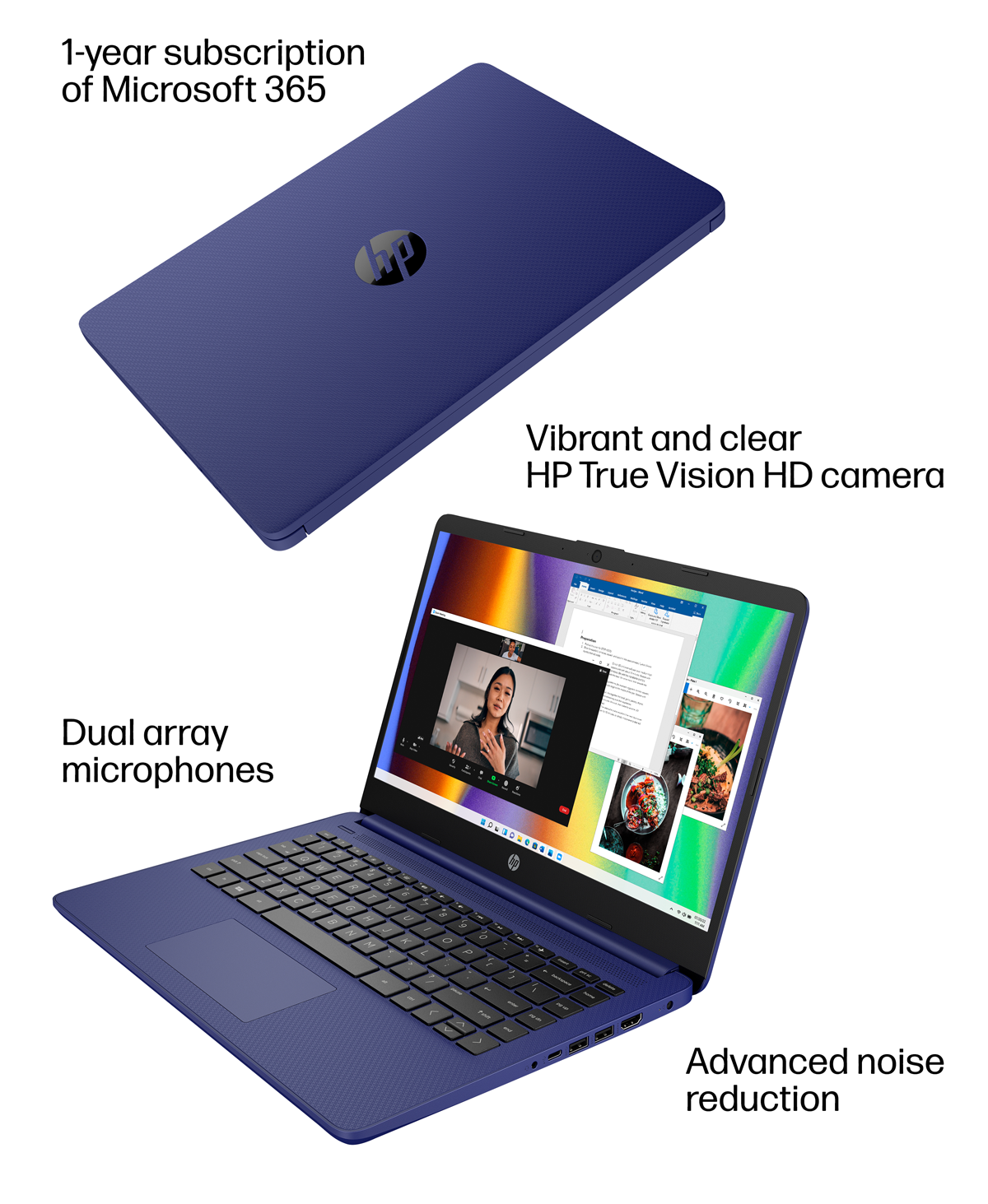
Camera: HP True Vision 720p HD camera with integrated dual array digital microphones
Video chat with vibrant clarity, even in low light.
Screen to body ratio
Revolutionize your display and see more of what you love with this slim bezel design. Enjoy an immersive multimedia experience with a maximized viewing area.
Sleek design
Easily take this thin and light PC from room to room or on the road.
HP Fast Charge
Go from 0 to 50% charge in approximately 45 minutes.
Dual array microphones
With two microphones and advanced noise reduction software, you’ll always sound crystal clear when you video chat or record.
Energy efficiency your way
Do the environment—and your wallet—a favor when you use the HP Stream Laptop that meets strict energy-efficiency and helps reduce your carbon footprint.
Microsoft 365 – One Year Subscription Included
Make the most out of your 365: Bring your ideas to life. Your creativity now gets a boost with Microsoft 365. Office – Word, Excel, and Power Point – now includes smart assistance features that help make your writing more readable, your data clearer and your presentations more visually powerful. One year subscription included.
What’s Included
Energy Ratings

Manuals & Guides
Product Datasheet/Brochure
Questions & Answers
Q: QuestionIs there an SD card slot on the one being sold?
Asked by DigitalCurator.
- A:Answer No SD slot, you can add a hub though with no problems.
Q: QuestionWhat’s the max storage capacity n this laptop? What capacity eMMC can be added to this product.
Asked by TerryD.
- A:Answer The ASUS E410KA supports a maximum storage capacity of 512GB via an M.2 NVMe PCIe 3.0 SSD. As for eMMC storage, it comes with configurations of 64GB, 128GB, or 256GB, but eMMC is not upgradeable.
Answered by ASUS Answers

Q: QuestionWould I be able to download the Sims from the Google app store on here?
Asked by Alisha.
- A:Answer The ASUS E410KA runs Windows, which does not support Google Play Store apps. The Sims from the Google Play Store is designed for Android devices. However, you can download The Sims for Windows from platforms like EA App, Steam, or Microsoft Store.
Answered by ASUS Answers

Q: QuestionCan you download apps from other sites or is it like S-mode only from Microsoft store?
Asked by Anonymous.
- A:Answer The ASUS E410KA may come with Windows 11 in S mode, which restricts app installations to the Microsoft Store for security and performance. If your device is in S mode, you won’t be able to install apps from other sources unless you switch out of S mode through Settings > System > Activation. Once switched out of S mode, you can install apps from any website or source, just like a standard Windows 11 Home system.
Answered by ASUS Answers

Q: QuestionHow much does it weigh?
Asked by Anonymous.
- A:Answer The ASUS E410KA (Vivobook Go 14) weighs 1.30 kg (2.87 lbs), making it a lightweight and highly portable option for everyday use. https://www.asus.com/laptops/for-home/vivobook/vivobook-go-14-e410/techspec/
Answered by ASUS Answers

Q: QuestionTouchscreen?
Asked by Anonymous.
- A:Answer No, this laptop model does not have a touchscreen feature.
Answered by ASUS Answers

Q: Questiondoes it comes with Microsoft office ?
Asked by carlos.
- A:Answer The ASUS E410KA includes a 1-month trial of Microsoft 365 for new customers.
Answered by ASUS Answers

Q: QuestionDoes the keyboard light up . Is office included or can I jhave it installed
Asked by Anonymous.
- A:Answer No light up keyboard, trial version of Office is included.
Answered by TerryD
From the Manufacturer

.gif)


.png)


Faster than fast

The most secure Windows PCs yet
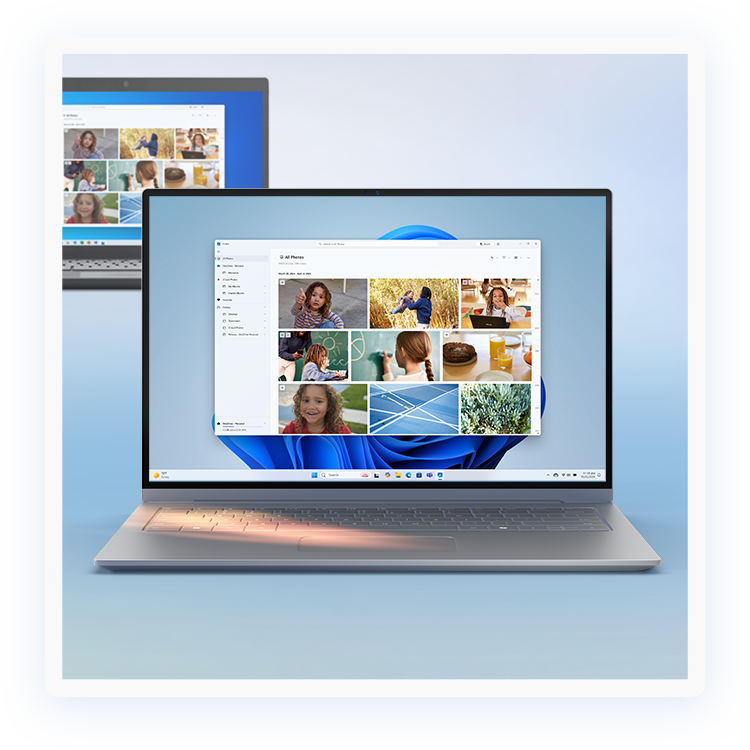
Moving is easy
- [1] Battery life varies significantly by device and with settings, usage and other factors. See aka.ms/cpclaims
- [2] Windows can back up files, setting and apps from PCs running Windows 10 and higher. Restore is available on Windows 11, version 22H2 and higher. Geographic restrictions may apply.
- [3] Requires Microsoft account. Up to 5 GB of Microsoft Storage is included. Data transfers exceeding 5 GB require an active Microsoft subscription or trial.
- [4] When you open apps for the first time on your new Windows 11 PC, some will reinstall when you first open them. Other apps may require you to reinstall them manually from the original app provider.

Reviews
There are no reviews yet.