




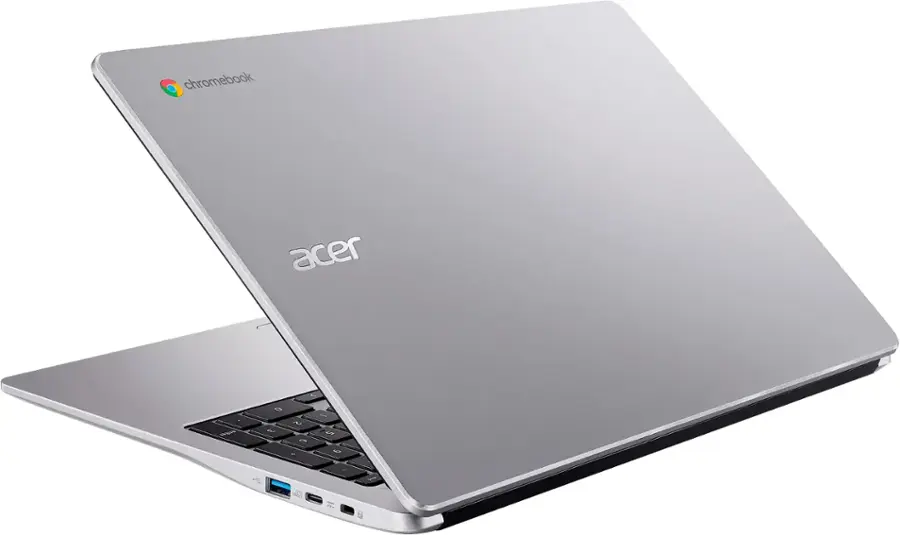
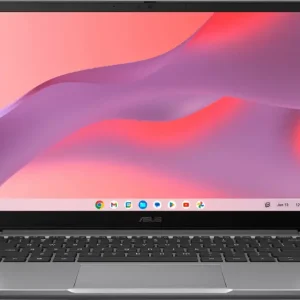
Acer – Chromebook 315 – 15.6″ Full HD Laptop – Intel Celeron N4500 – 4GB LPDDR4X – 64GB eMMC – Protective Sleeve – Silver – Sparkly Silver
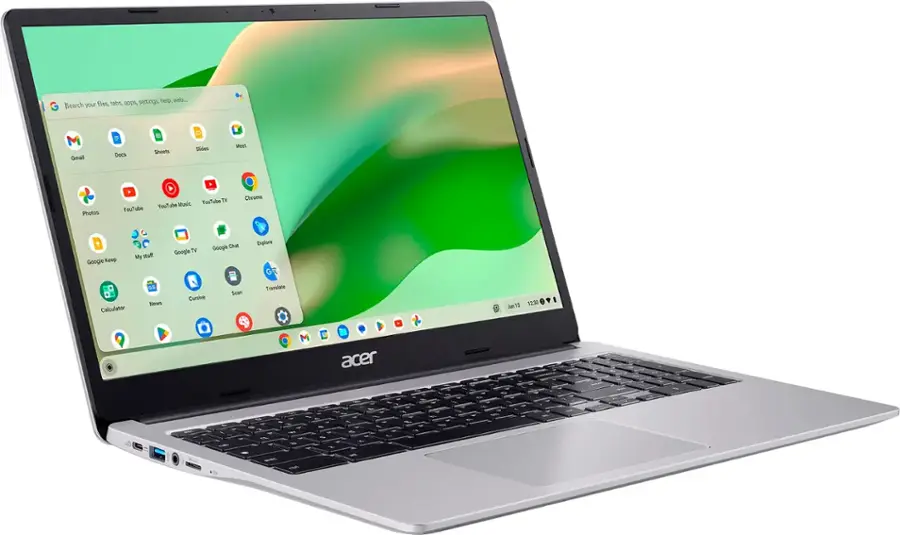
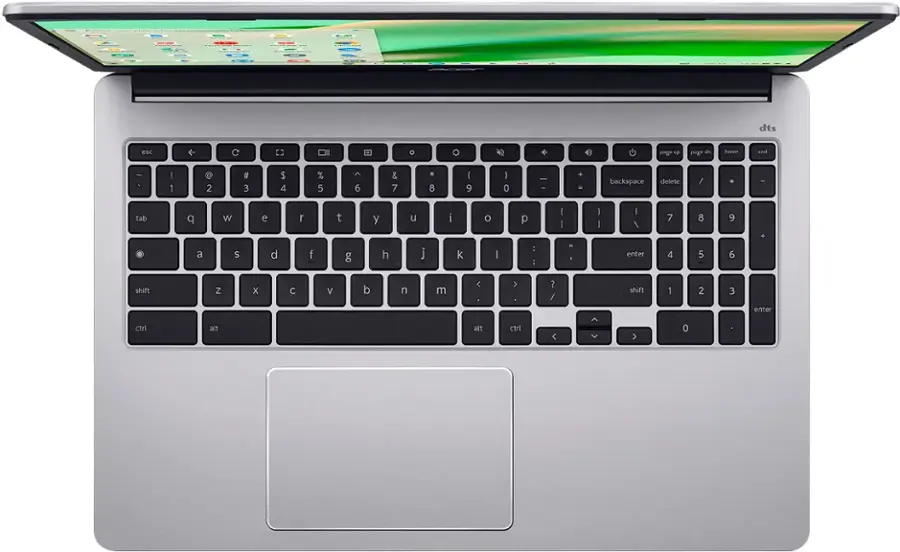
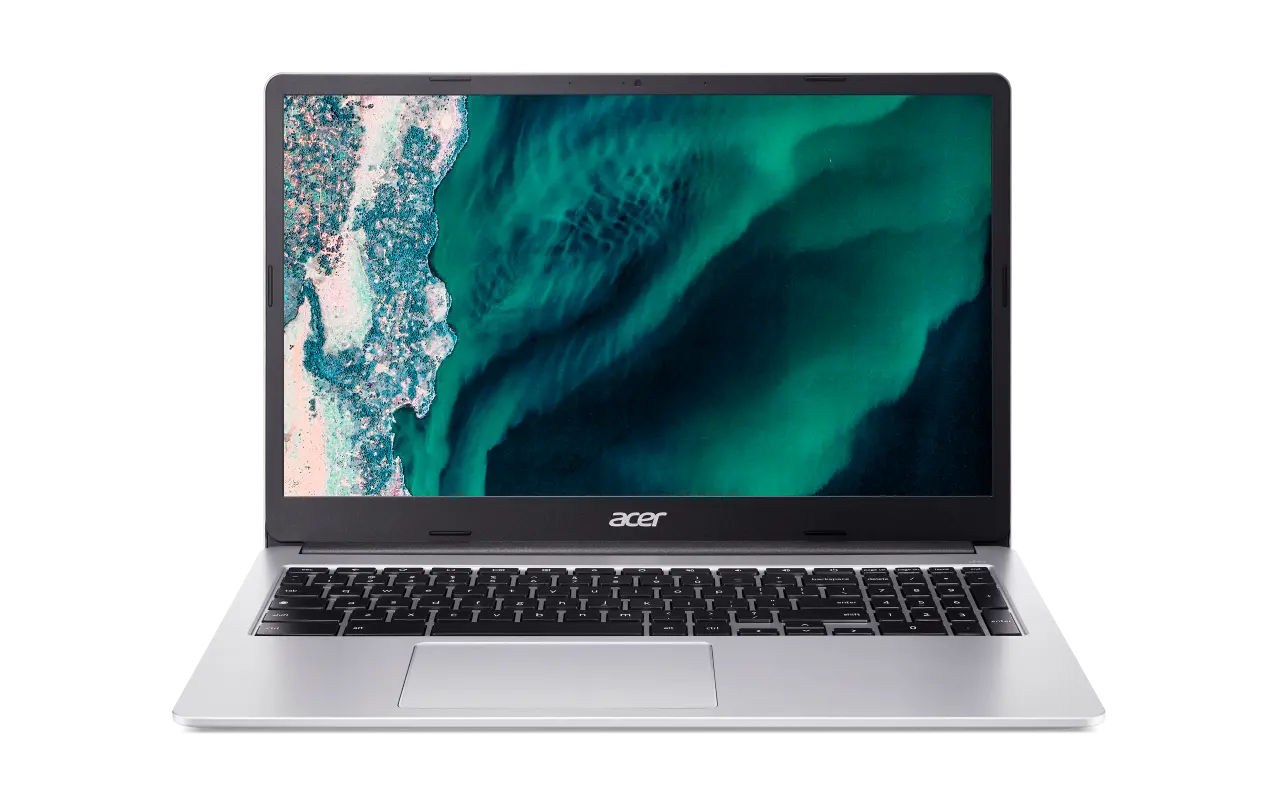
The Acer Chromebook 315 features a 15.6″ Full HD anti-glare screen designed to let you get more done, no matter where you are. You’ll stay focused in either the classroom or the office with a dedicated number pad, a fast processor, and an eco-friendly OceanGlass touchpad. Recognized as the perfect multi-media companion, this special machine is super thin, extra light and delivers unmatched value in today’s fast-paced, technology-driven world. It features an impressive HDR camera, fast wireless connectivity and long-lasting battery life, so you can run your favorite Google apps or access your photos, videos, music and documents—all day long.
The Best of Google, in a Laptop
Chromebooks run ChromeOS, the fast, secure operating system from Google, with built-in Google apps like Gmail, Gemini, Docs, Photos, YouTube, and more.
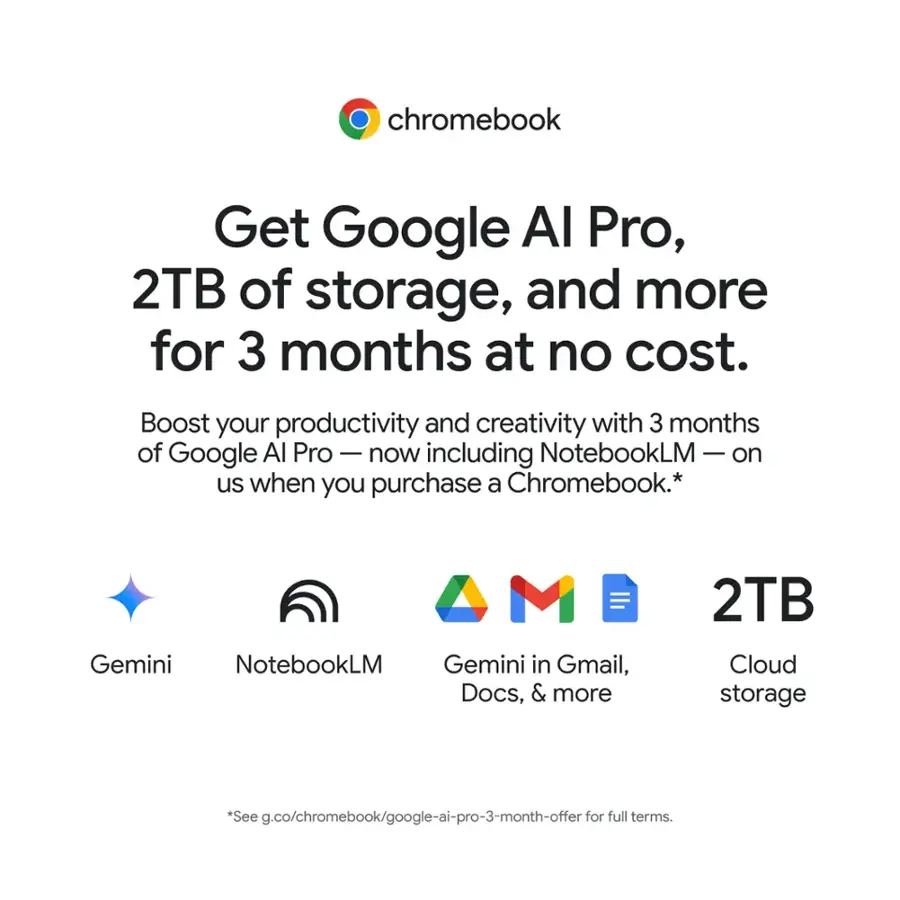
Get Google AI Pro, 2TB of Storage, and More for 3 Months at No Cost
Boost your productivity and creativity with 3 months of Google AI Pro — now including NotebookLM — on us when you purchase a Chromebook.*
Starts Fast, Won’t Slow You Down
Chromebooks start up in under 10 seconds, and run automatic updates behind the scenes to deliver performance that’s full speed ahead.
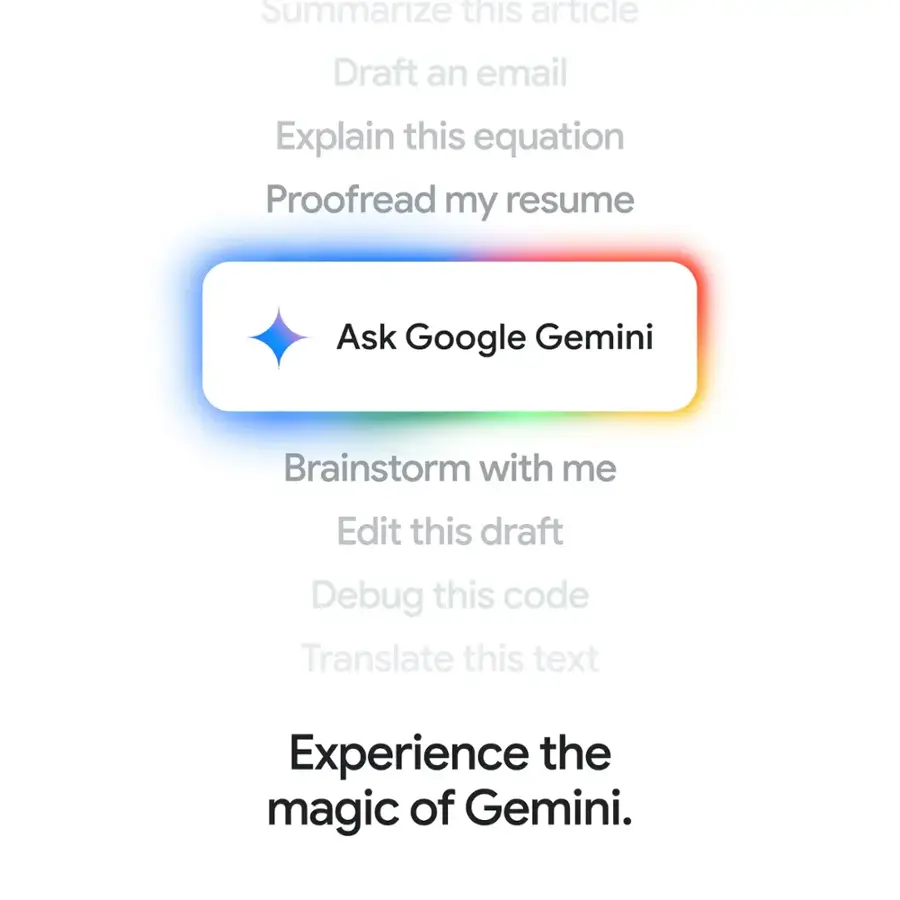
Chat with Gemini
Supercharge your ideas, right from your home screen. Get help planning, writing, learning, and more.**
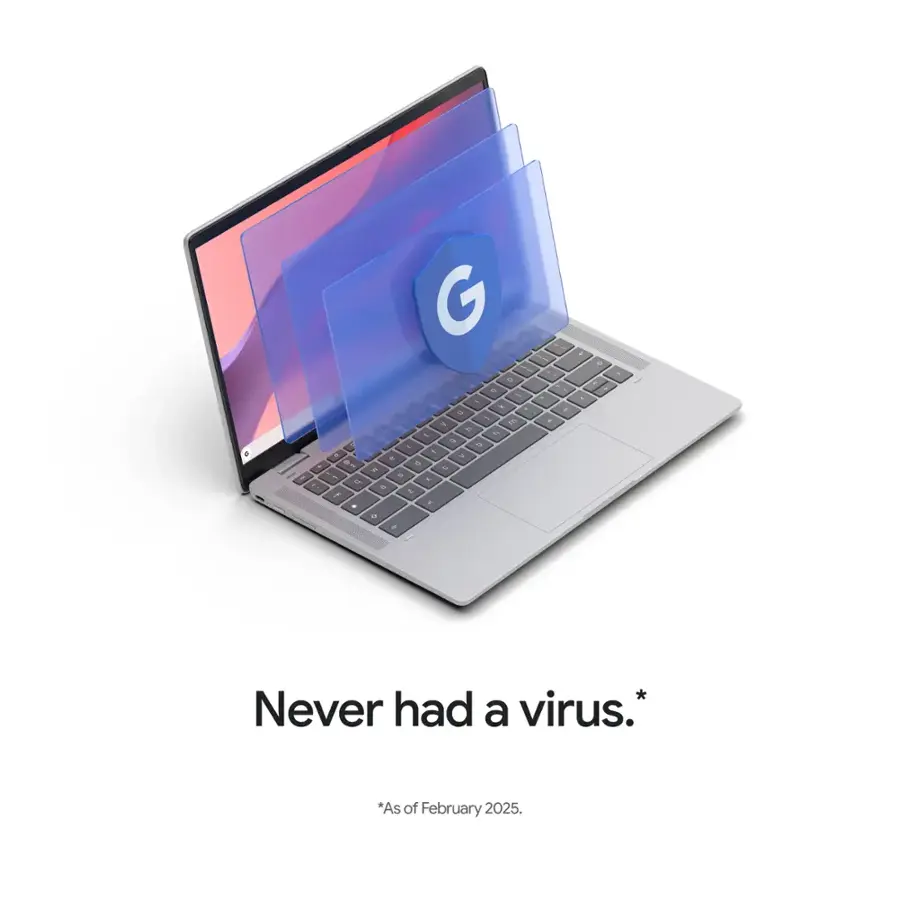
Never Had a Virus – No Need to Worry.***
Breathe easy knowing your security and privacy are covered with built-in protection and the Titan C2 security chip.
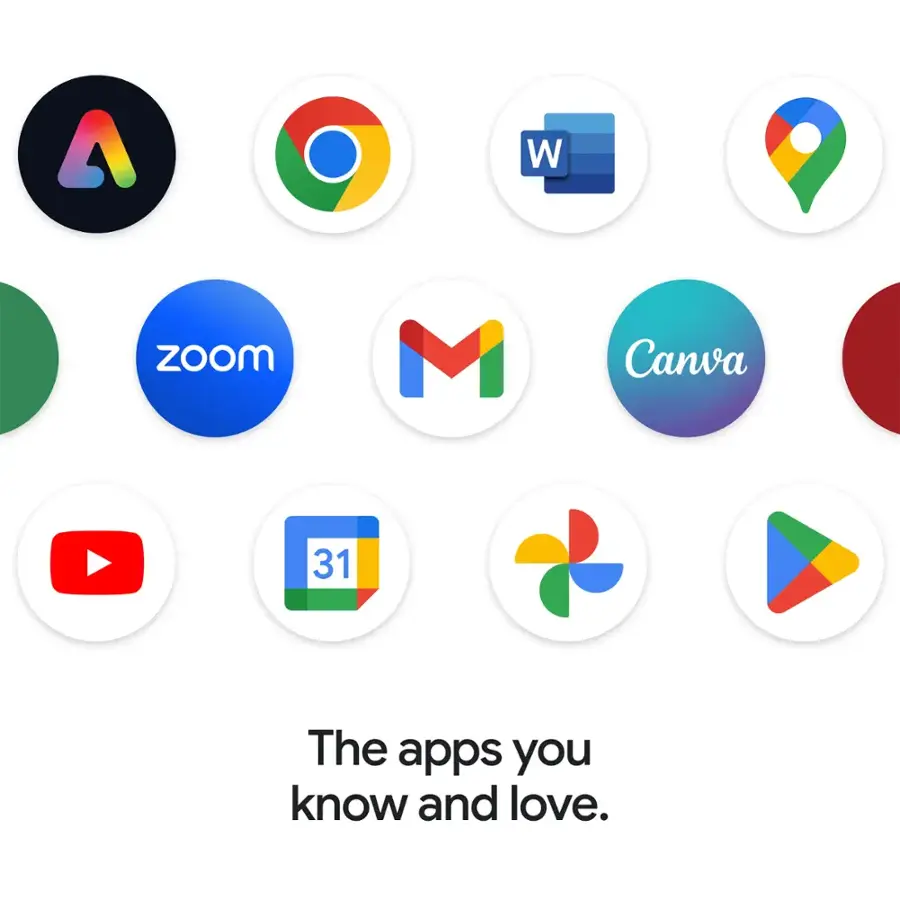
The Apps You Know and Love
Popular apps for streaming, gaming, creating, and staying organized are all available on Google Play. Easily access Microsoft 365****, Minecraft, Adobe Express, and more.
15.6″ Full HD Widescreen
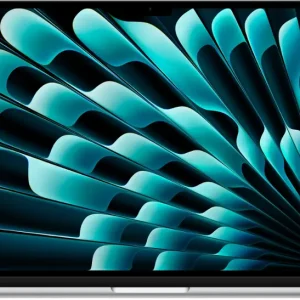
The narrow bezel allows for a 15.6” non-glare screen in a smaller footprint. Thanks to the 10.5 mm narrow bezel and wide viewing angle of the Full HD screen, you can better enjoy movies, videos, and TV shows.
Intel Processor
Powered by an Intel Celeron N4500 Processor, the Chromebook loads content-rich webpages fast, provide crisp video playback, and enables you to multitask effortlessly by allowing multiple pages to run at the same time.
4GB of Onboard LPDDR4X Memory
Smoothly run numerous programs and browser tabs at the same time.
64GB eMMC Storage
Load faster and play sooner! You can start fast, stay fast and quickly load apps with ease.
The Power of Wireless
A strong, consistent wireless signal is provided by the Intel Wi-Fi 6 and strategically placed 802.11ax wireless antenna with 2×2 MU-MIMO technology. MU-MIMO (Multi-User Multiple-Input and Multiple-Output) is a standard that offers faster wireless speeds.
Flexible Connectivity
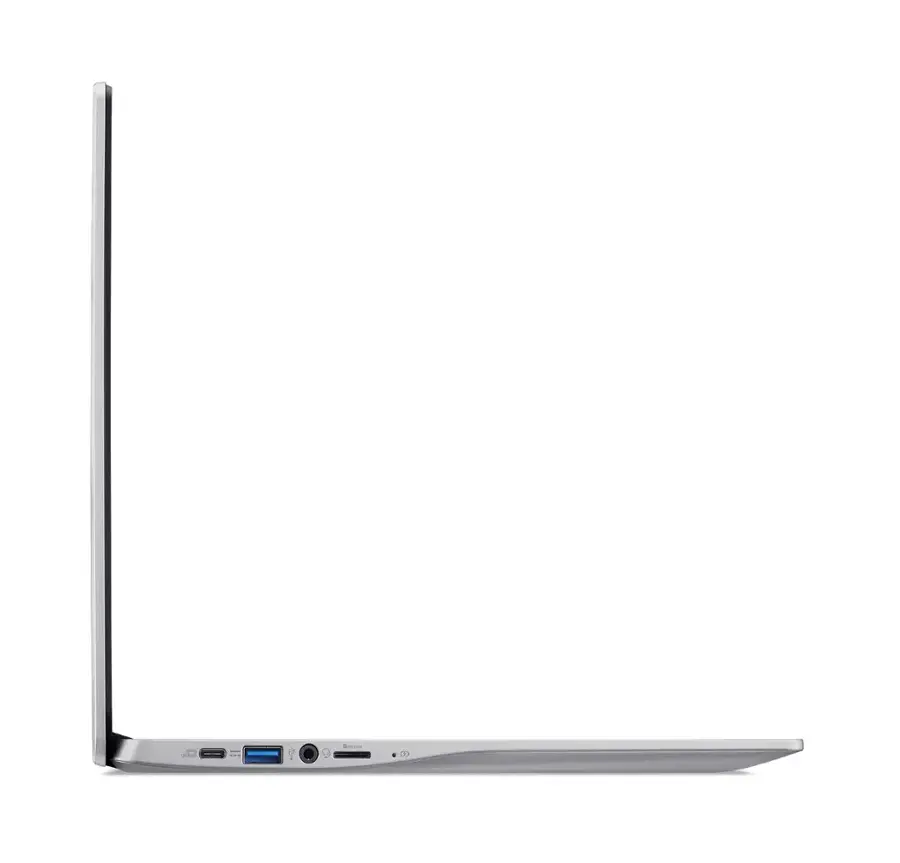
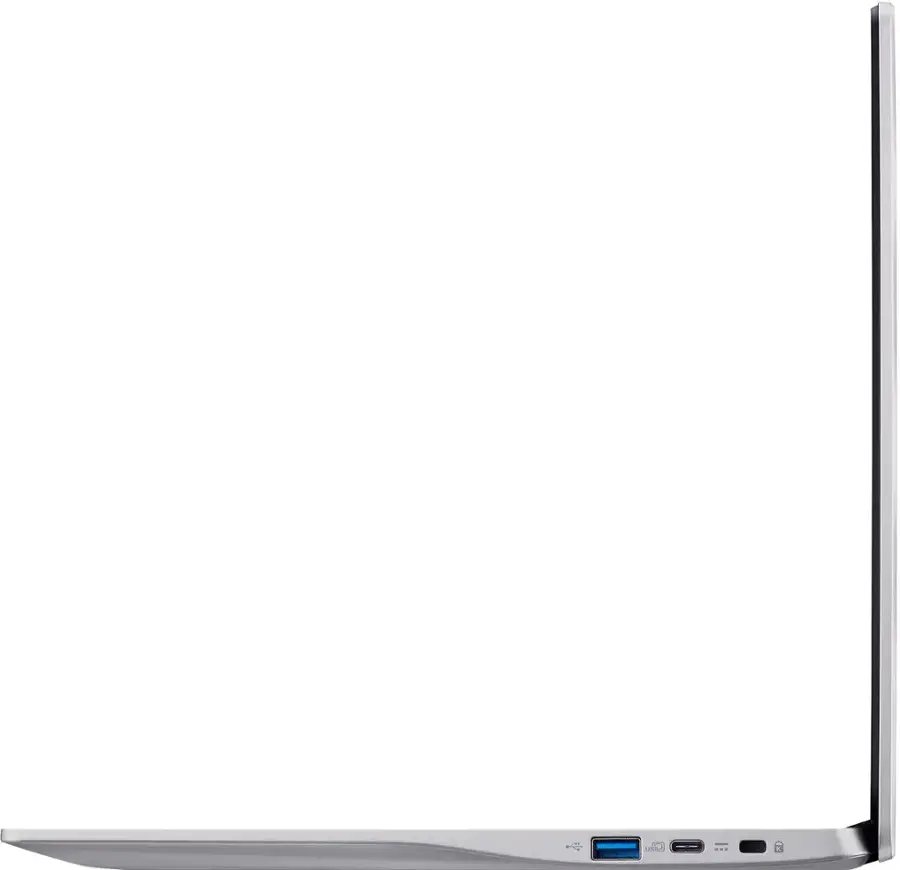
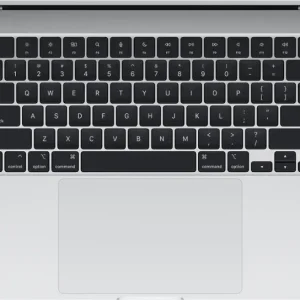
Two USB Type-C ports for ultra-quick data transfer, video streaming, and battery charging. The reversible USB 3.2 Type-C connector is the same at both ends and, so it’s easy to attach. Also, two USB 3.2 Gen 1 ports for your convenience.
Superior Conference Call Experience
Get a rich sound without needing to break the bank. With DTS Audio enjoy higher-quality video, distortion-free sounds, and deeper bass. Great sound, two built-in microphones and a flare-reducing webcam, this laptop is the ideal choice for hybrid workers.
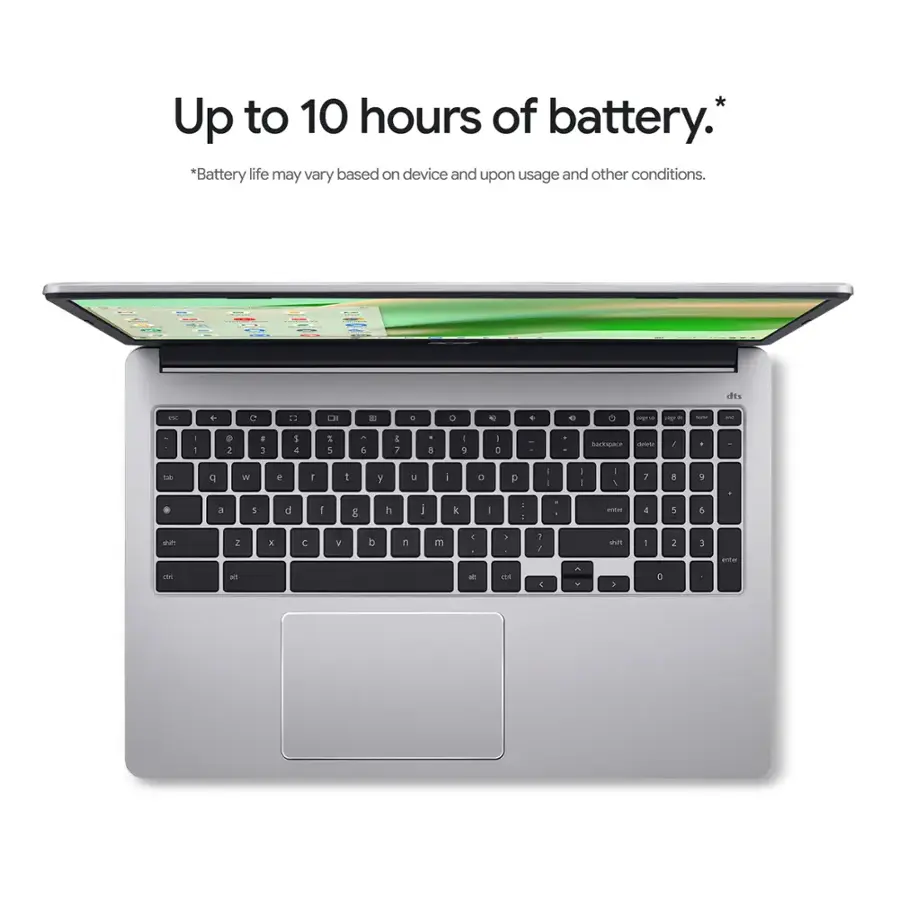
All-Day Battery Life
10 hours of battery life goes a long way. With just a single charge, the powerful, long-lasting battery gets you through a full day’s worth of classes without needing your power adapter.
Eco-friendly Touchpad
This Chromebook uses an environmentally friendly OceanGlass touchpad made entirely out of abandoned plastic waste and reused within its surface to provide you with a sleek, glass-like tactile texture as your fingers scroll across the touchpad.
Disclaimers*
*$59.97 value, for a limited time only. The Google AI Pro trial offer is available to eligible users with the purchase and activation of an eligible Chromebook on or after May 28, 2024. This offer is limited to users in Australia, Belgium, Canada, Denmark, Finland, France, Germany, India, Ireland, Italy, Japan, Luxembourg, Mexico, Netherlands, New Zealand, Norway, Poland, Portugal, South Africa, Spain, Sweden, Taiwan, United Kingdom and United States.
Disclaimer* (Cont.)
Redeem the offer by January 31, 2026, at 11:59pm PT. Valid form of payment required at sign-up, but you will not be charged until the trial period expires. $19.99/month at offer end. Cancel anytime. Gemini in Google AI Pro & Gemini for Gmail, Docs, & more are only available for ages 18+. Gemini for Gmail, Docs & more is available in select languages. See g.co/chromebook/google-ai-pro-3-month-offer for full terms. Results for illustrative purposes. Internet connection required
Disclaimer* (Cont.)
Check responses for accuracy. Feature availability varies based on language.
Additional Disclaimers
**Check responses for accuracy. Internet connection required. Availability may vary by device, country, and language. ***As of February 2025 there has been no evidence of any documented, successful virus attack on ChromeOS. Data based on ChromeOS monitoring of various national and internal databases. ****Additional functionality available with a Microsoft 365 subscription (sold separately). Microsoft, Excel, & PowerPoint are registered trademarks of Microsoft Corporation.
What’s Included
QuestionWhich processor powers this Chromebook?
- Answer This Chromebook is equipped with an Intel Celeron N4500 Processor.
This question and answer was generated by AI based on customer and product data.QuestionHow long does the battery last on this Chromebook?
- Answer This Chromebook offers up to 10 hours of battery life on a single charge.
This question and answer was generated by AI based on customer and product data.QuestionWhat is the screen size of this Acer Chromebook?
- Answer This Acer Chromebook features a 15.6-inch Full HD anti-glare screen.
This question and answer was generated by AI based on customer and product data.QuestionWhat operating system does this Acer laptop use?
- Answer This Acer laptop runs on the ChromeOS operating system.
This question and answer was generated by AI based on customer and product data.QuestionWhat type of wireless connectivity does this laptop have?
- Answer This Chromebook comes equipped with Intel Wi-Fi 6 (802.11ax) with 2×2 MU-MIMO technology for a strong and consistent wireless signal.
This question and answer was generated by AI based on customer and product data.QuestionDoes this Chromebook have a touch screen?
- Answer No, this Chromebook does not have a touch screen.
This question and answer was generated by AI based on customer and product data.QuestionWhat kind of storage does this Chromebook use?
- Answer This Chromebook utilizes 64GB of eMMC storage.
This question and answer was generated by AI based on customer and product data.QuestionDoes it have windows 11
- Answer No. This is a Chromebook that runs the Chrome operating system and is not compatible with Windows. Chromebooks are different from Windows laptop products in that they are designed to be used primarily while connected to the Internet, with most applications and documents living in the cloud. Because of this they don’t have much for on-board storage but they also are not expensive either. Chromebooks run off apps like an Android phone or tablet so you cannot download and install applications or .exe files. If you need to use third party software applications that must be installed on the computer, a Chromebook is likely not for you, where a Windows laptop would suit you better.

Questionis this a compatible with Chromebooks running Android 6.0 and above, and that have access to the Google Play Store. to download the MERCARI selling APP on google
- Answer Yes, this Chromebook is compatible with Android 6.0 and up, and has access to Google Play Store.
QuestionHow long does it take to charge to full if dead?
- Answer Fast charging normally takes about 45-60 minutes to fully recharge if completely dead
QuestionDoes it have a button on the keyboard to disable the touchpad if you’re using an mouse and don’t want to accidentally touch the pad with your wrist while writing?
- Answer There isn’t a dedicated key to press, but to disable the touchpad on your Acer Chromebook CB315-4H-C0BR, please follow these steps:1.Open your web browser.2.Type chrome://flags/#ash-debug-shortcuts in the address bar and press Enter.3.Enable the option Debugging keyboard shortcuts, then restart your Chromebook.4.Press the Search + Shift + P keys at the same time to toggle the touchpad On or Off.
QuestionDoes it have speakers?
- Answer Speakers meaning does sound come out? Yes. You can play and listen to music.
Questioncan this chromebook be updated?
- Answer According to Google, this model Chromebook will receive updates until Jun 2031.
QuestionWhat date does Chrome support end?
- Answer According to Google the AUE for this Chromebook is Jun 2031.
Image Gallery


Interactive Tour
- Processor
- Display
- Memory
- Video
- Software
- Wi-Fi
- Audio
- Webcam
- Battery
- Touchpad
- microSDTM Card Reader
- Interfaces
Features


Futureproof Processing
Enjoy a long battery life and responsive software thanks to the Intel® Celeron® processor. The extra boost of performance makes projects and applications run smoother so that tasks finish quicker, while the advanced Intel Wi-Fi 6 (802.11ax) technology allows you to enjoy up to 3 times faster speeds than standard Wi-Fi 5.

Designed To Be Seen
The narrow bezel allows for a 15.6” non-glare screen in a smaller footprint. Thanks to the 10.5 mm narrow bezel and wide viewing angle of the Full HD screen, you can better enjoy movies, videos, and TV shows.

Superior Conference Call Experience
Get a rich sound without needing to break the bank. With DTS® Audio enjoy higher-quality video, distortion-free sounds and deeper bass. Great sound, two built-in microphones and a flare-reducing webcam, this laptop is the ideal choice for hybrid workers.

All-Day Battery Life
10 hours of battery life goes a long way. With just a single charge, the powerful, long-lasting battery gets you through a full day’s worth of classes without needing your power adapter.

Staying Productive with Chrome OS
Fast boot times, ease of use, tough security and a long battery life are some of the advantages of Chrome OS. With a boot time of about 8 seconds you’ll start working quicker; the simplified interface makes it easy to learn; integrated malware protection stops viruses in their tracks; and finally an efficient use of power means you can work all day without your power adapter.

Eco-friendly Touchpad
This Chromebook uses an environmentally-friendly OceanGlass™ touchpad made entirely out of abandoned plastic waste and reused within its surface to provide you with a sleek, glass-like tactile texture as your fingers scroll across the touchpad. The use of ocean-bound plastic waste in the OceanGlass™ touchpad helps contribute to the reduction of plastics adrift in the ocean.




Reviews
There are no reviews yet.